How Google’s Model Context Protocol Is Reshaping Customer Experience Architecture with Remote MCP Support
Your customer service team spends hours jumping between systems. An agent opens a ticket, then scrambles through email, CRM, chat logs, and knowledge bases. Every system tells part of the story, none of them agree, and your AI assistant is yet another disconnected tool. The friction is real. Customers feel it as slow responses, repeated questions, and inconsistent resolutions. You definitely need Remote MCP Support.
Google just moved that problem to the top of the industry agenda with the launch of Remote MCP Support.
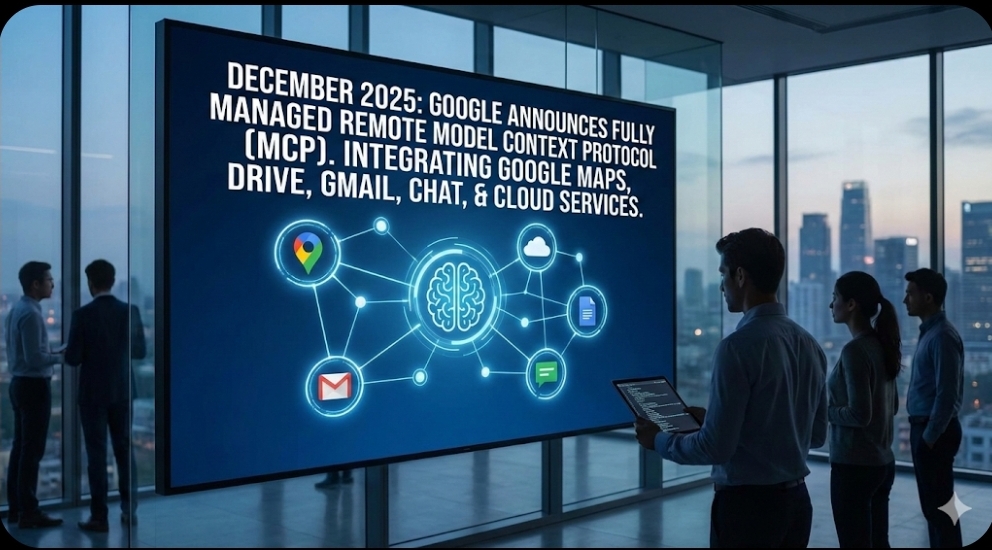
In December 2025, Google announced official, fully managed remote Model Context Protocol (MCP) support for Google Maps and a growing list of Google services. This support spans Google Maps, Google Drive, Gmail, Google Chat, and a broad set of Google Cloud services, with tightly integrated tooling for enterprise developers and AI platforms. This is far more than another API feature. It is a structural change in how AI, data, and CX tools talk to each other.
For CX and EX leaders, this is the moment to rethink experience architecture, not just another AI experiment to watch from a distance.
The Hidden Integration Tax Behind CX
Most CX leaders don’t lose sleep over protocols. They lose sleep over broken journeys, rising costs, and frustrated agents. Yet those problems often trace back to the same root cause: fragmented integration.
Today, building intelligent CX means connecting every system to every other system. Your AI assistant needs access to CRM data, support tickets, knowledge articles, transaction history, and sometimes external context such as maps, logistics, or identity. Each connection typically uses a different API, authentication model, rate limit, and error pattern.
This creates a silent tax on CX:
- Engineering teams spend a large share of time wiring and maintaining point-to-point integrations.
- Agents work around system limits by copying data between tools.
- AI pilots stall because each new use case demands yet another custom integration.
Academic and industry studies on AI in customer support show a pattern. Many organizations see tangible gains in speed and efficiency, yet a significant subset report trade-offs when integration and context are weak. When data sits in silos, AI and agents both underperform, regardless of how advanced the model is.
The result is familiar on the front line. Agents must ask customers to repeat information already stored elsewhere. Supervisors cannot get a unified view of journeys. Customers experience delays because processes span systems that were never designed to work together.
What MCP Actually Is, In CX Terms
Model Context Protocol started as a technical standard proposed by Anthropic and rapidly gained momentum across the AI ecosystem. It defines a common way for AI systems to discover, call, and safely use external tools and data sources.
For CX leaders, the simplest way to think about MCP is this: it is a universal adapter between AI and your business stack.
Instead of every AI assistant or agent integrating with each application differently, MCP describes tools in a standard format and exposes them through MCP “servers.” Any MCP-aware AI client can then:
- Discover what tools exist (for example, Google Maps, CRM, ticketing, CDP).
- Understand how to call those tools.
- Use the responses in its reasoning process while keeping security and governance in place.
Google’s announcement is pivotal because it brings this pattern into a familiar ecosystem. MCP support for Google Maps and other Google services means your AI agents can work with location, documents, messages, analytics, and more through an aligned protocol rather than a patchwork of bespoke integrations. That reduces friction for developers, but it also unlocks new CX and EX patterns that were previously too complex or expensive to build.
Why Google’s Remote MCP Support Matters
One Standard, Many CX Use Cases
Google is not just exposing an API; it is providing managed MCP endpoints that plug into modern AI platforms. That means your customer service copilot, your internal support bot, and your external self-service assistant can all use the same standardized access pattern to Google Maps and related services.
Practical implications include:
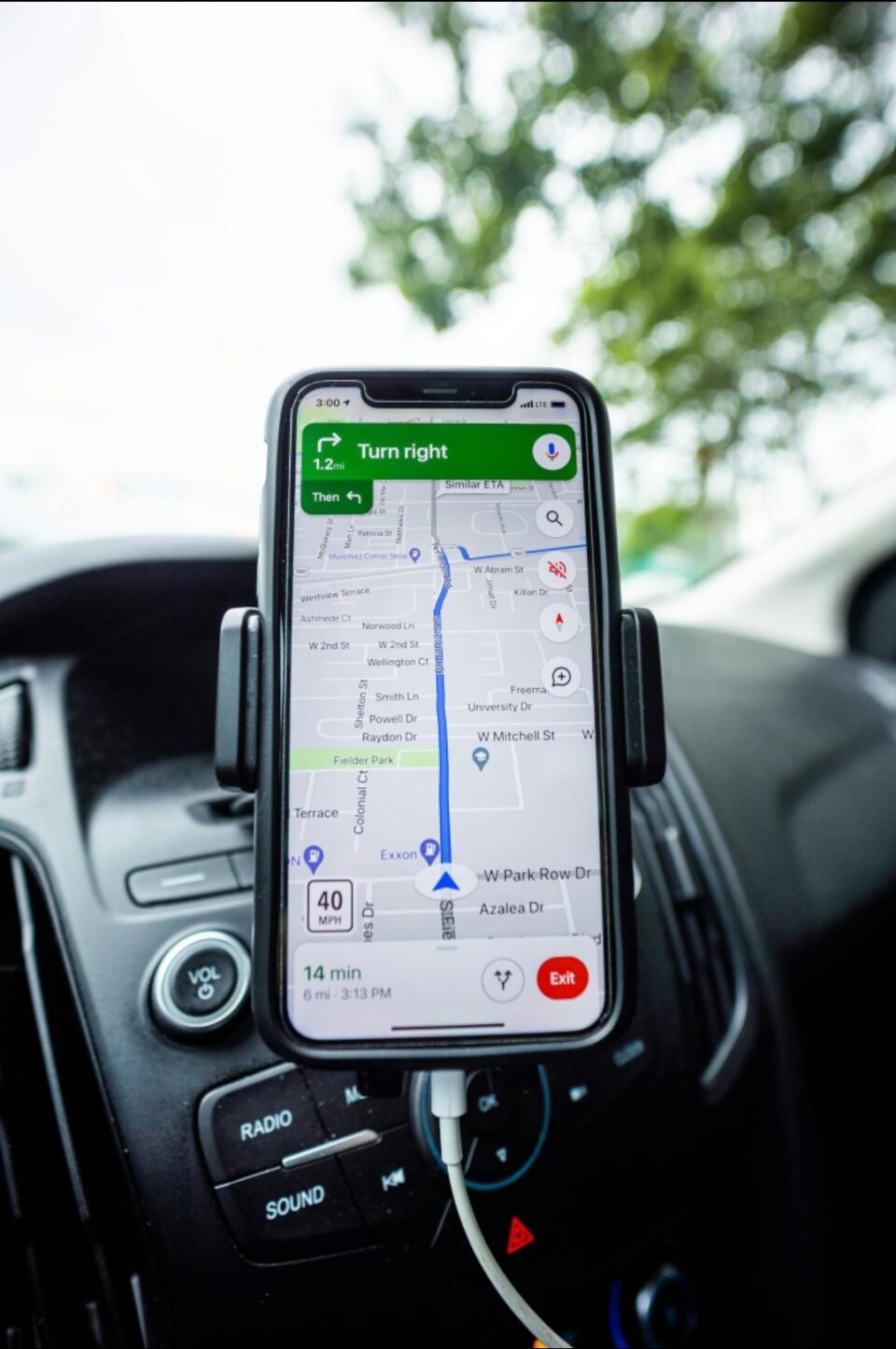
- Location-aware support: Service teams can validate addresses, estimate arrival times, or route technicians using live mapping data without building custom integrations.
- Context-rich routing: AI can use MCP tools to combine customer data, interaction history, and location context to route queries to the right agent or workflow.
- Seamless internal support: EX-focused assistants can query calendars, documents, and knowledge stored in Google Workspace through MCP, reducing swivel-chair work for employees.
Instead of treating Google Maps or Workspace as isolated services, MCP turns them into composable building blocks that any MCP-enabled AI agent can orchestrate.
From Point Integrations to AI-Native Architecture
Traditional CX integration is point-to-point. A helpdesk tool talks to CRM. CRM talks to billing. Analytics pulls from everywhere. AI then sits on top as a consumer of aggregated data or exported reports.
MCP flips this model. With MCP, AI becomes an active orchestrator:
- It can call tools in real time during a conversation.
- It can fetch only the data needed, when it is needed.
- It can chain multiple tools to complete a task end-to-end.
This is a shift from “AI added to CX” to “CX designed around AI-native orchestration.” Google’s remote MCP support lowers the barrier to designing journeys where AI agents act like experienced digital employees, not static chat widgets.
CX Impact: From Concept to Concrete Outcomes
Richer Context at the Moment of Truth
Most CX breakdowns happen at the moment of truth: when a customer finally reaches support with a complex issue. Agents do their best, but they frequently lack full context.
An MCP-enabled AI assistant can assemble that context in real time:
- Retrieve latest orders and status from commerce systems.
- Pull location information from Google Maps for deliveries or field service.
- Check open tickets and past sentiment from support platforms.
- Consult knowledge bases or policies relevant to this customer’s profile.
The agent sees a unified, AI-curated view. The customer feels understood without repeating themselves. Handle times drop, and first-contact resolution rises because the right decision can be made on the first attempt.
Omnichannel Journeys That Actually Share Memory
Every CX leader talks about omnichannel. Few achieve it consistently. The culprit is usually fragmented data and inconsistent identity across channels.
With MCP, AI agents can access a shared set of tools and data no matter where the interaction starts:
- A web chatbot can use the same MCP tools as a voice IVR assistant.
- An in-app bot can query the same customer profile and context as an email triage agent.
- Internal employee support can sit on the same foundation as external customer journeys.
When Google services such as Workspace and Maps connect through MCP, they become part of that shared context layer. Conversations no longer spin up as isolated threads; they reuse memory and context through the tools the AI can call.
Lower Operational Cost, Higher Agent Value
When automation gains stall, integration is often the bottleneck. Teams want to automate more, but each new flow requires complex work across systems.
MCP changes this cost equation:
- Integrations built once can be reused by many AI agents and experiences.
- Teams can add or swap AI models without rebuilding connections to tools.
- Engineering time shifts from plumbing to designing journeys and guardrails.
The net effect is both financial and human. Cost per contact can drop as AI handles more steps autonomously, while agents spend more time on high-value interactions that require empathy, judgment, and negotiation rather than data lookup.
Governance, Security, and Trust by Design
CX leaders must also care about risk. Connecting AI systems to powerful tools raises legitimate concerns about security, compliance, and control.
Google’s managed MCP approach helps address this:
- Centralized access control: Admins can define which MCP tools are available to which assistants and users.
- Fine-grained permissions: Tools can be permissioned by scope and role, reducing the blast radius if something goes wrong.
- Observability and audit: Calls from AI agents to MCP tools can be logged, monitored, and audited.
- Policy enforcement: Governance teams can bake compliance requirements into what tools exist and how they can be used.
Instead of bespoke security for every integration, CX organizations can align governance around the MCP layer. That makes it easier to scale AI across teams without losing control of who can do what with sensitive data.
Early Patterns: How Leading Teams Are Using MCP
While Google’s own support is recent, MCP-based patterns are already emerging across CX technology stacks:
- Digital experience platforms are exposing behavioral analytics through MCP so AI can directly query journey friction points.
- Customer data platforms are beginning to provide MCP interfaces, allowing assistants to access unified profiles and segments in real time.
- Operations and service management tools are using MCP to let AI agents open, update, and resolve tickets across IT, HR, and facilities from a single conversational front end.
When you combine these patterns with Google Maps and Workspace via MCP, new scenarios appear:
- Field service copilots can see technician locations, parts availability, and customer history in one AI-driven flow.
- Retail associates can use a conversational interface to check stock, view nearby store inventory, and coordinate delivery.
- Internal IT support can use a single AI bot that understands org structure, devices, locations, and historical incidents.
These are not futuristic concepts. They are practical designs now within reach for CX and EX teams that embrace MCP as a structural capability rather than a niche developer feature.
Strategic Shifts CX and EX Leaders Need to Drive
1. Treat Integration Debt as an Experience Risk
Start by mapping your integration landscape from a CX and EX perspective:
- Which journeys suffer most from system silos?
- Where do agents manually bridge gaps between tools?
- How many separate integrations exist between AI, CRM, ticketing, and Google services?
This mapping is not a technical inventory alone. It is a way to quantify integration debt as a risk to customer experience and employee experience. That risk story helps secure budget and executive focus for MCP-aligned modernization.
2. Move to an MCP-First Integration Policy
When new CX tools, AI platforms, or data sources are evaluated, MCP support should become a key criterion. Over time, this creates a portfolio where:
- AI clients share a consistent way to access tools.
- Tools can be exposed once and reused many times.
- New use cases are limited more by imagination than by integration bandwidth.
Google’s move signals that major platforms are aligning around MCP. CX leaders can leverage this momentum in vendor conversations and strategic planning.
3. Redesign AI Use Cases Around Real-Time Orchestration
Many current AI deployments use batch or offline patterns. Reports are generated. Insights are summarized. Agents then manually act on them.
With MCP, use cases can be redesigned around real-time orchestration:
- During a live chat, the AI can call Google Maps to validate an address and calculate a realistic delivery window.
- During a call, the AI can fetch policy and product details based on customer tier and country.
- During an internal request, a copilot can pull needed documents from Google Drive and log outcomes in ticketing.
The key is to think in terms of tasks the AI can complete by chaining tools, not just content the AI can generate.
4. Elevate Data Quality and Identity
MCP makes it easier for AI to touch many systems. That also makes inconsistencies more visible. If customer records differ between CRM and commerce systems, the AI will encounter conflicting truths.
CX leaders should therefore pair MCP adoption with:
- Stronger identity resolution and golden-record strategies.
- Clear definitions of key entities such as “customer,” “account,” and “case.”
- Data stewardship roles that are accountable for service-critical domains.
Better plumbing without better data will only accelerate confusion. The two must advance together.
5. Reskill Agents and Experience Teams
As AI agents gain more autonomy and context through MCP, human roles evolve:
- Frontline agents become orchestrators and exception handlers, not human APIs.
- Supervisors focus more on coaching, design of AI-assisted workflows, and quality monitoring.
- CX strategists and product owners spend more time shaping AI-enabled journeys than specifying individual UI screens.
Training programs, KPIs, and career paths should reflect this shift. Otherwise, organizations risk underutilizing the very capabilities MCP unlocks.
Practical Next Steps for the Next 12 Months
For CX and EX leaders, the path forward can be staged deliberately.
In the next 90 days:
- Map high-friction journeys where AI plus richer context could change outcomes.
- Identify where Google services (Maps, Workspace, Cloud) already play a role.
- Align with architecture and security teams on an MCP adoption stance.
In the next 6 months:
- Run a pilot where a single AI assistant uses MCP to access at least two core systems plus Google services.
- Measure impact on handle time, first-contact resolution, CSAT, and agent effort.
- Document lessons on governance, guardrails, and human-AI collaboration.
Within 12 months:
- Build a CX and EX roadmap that positions MCP as a foundational capability, not a side project.
- Prioritize vendor choices and platform investments that speak MCP natively.
- Expand from isolated pilots to a coherent “AI-native experience architecture” strategy.
The Bottom Line for CXQuest Readers
Google’s announcement around remote MCP support for Google Maps and other services is not just a technical milestone. It is another strong signal that the CX and EX stack is shifting from brittle point-to-point integrations to AI-native, protocol-driven orchestration.
Organizations that embrace this shift early will:
- Reduce integration and maintenance costs.
- Unlock richer, real-time context for every interaction.
- Empower agents and employees with AI that truly understands their work.
- Deliver journeys that feel coherent across channels, devices, and touchpoints.
For CX and EX professionals, the question is no longer whether to adopt AI. The question is whether the underlying architecture will let AI see, understand, and act on the full reality of your customers’ world. MCP—and Google’s decision to support it deeply—is a powerful step toward that future.
